
— Shipment Calculator
Know the exact charge before you book.
Enter weight, dimensions, and origin and destination pincodes. Zone-based charges and any out-of-delivery-area surcharges appear line by line — nothing hidden.
/ Enter Shipment Details
Fill in the details to see your charges.
• Live Cost Breakdown
Charges appear as you enter details.
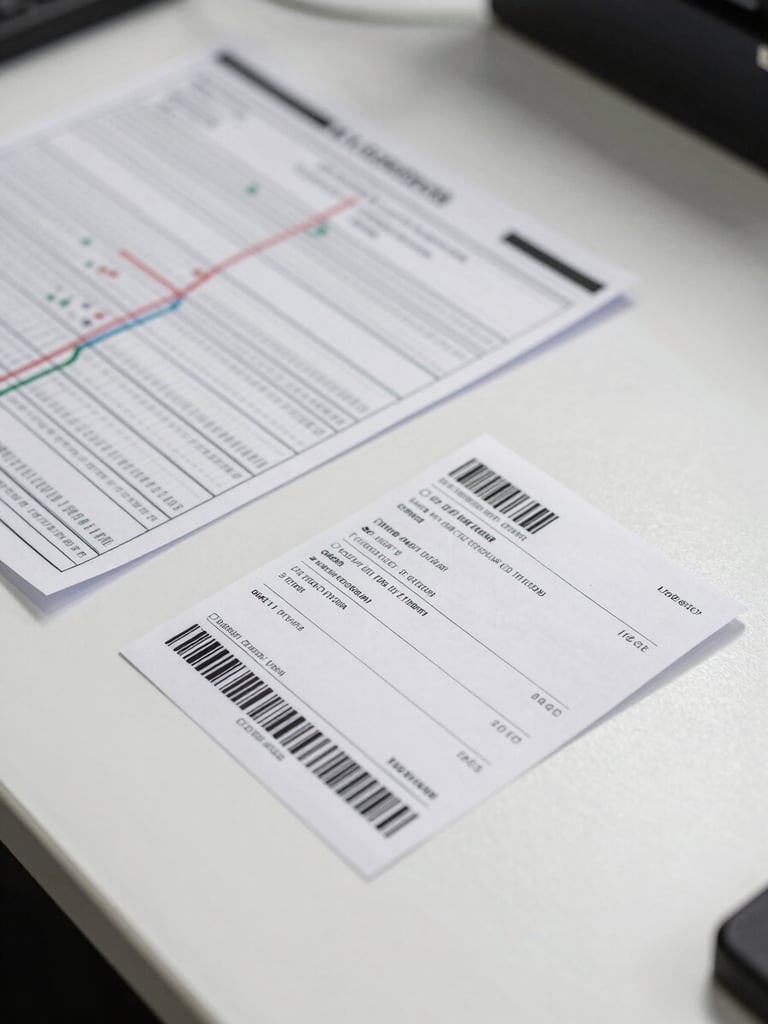
Base zone rate, volumetric weight adjustment, fuel surcharge, and any out-of-delivery-area fee — each listed separately with its amount.
Out-of-delivery-area pincodes are flagged in amber with the exact additional charge shown before you proceed.


▸ Invoice Export
From calculation to client invoice in one step.
Once the cost is confirmed, generate a formatted invoice directly from this screen. Download as PDF or export to Excel — no copy-pasting between sheets.